 By Mahir Munajj
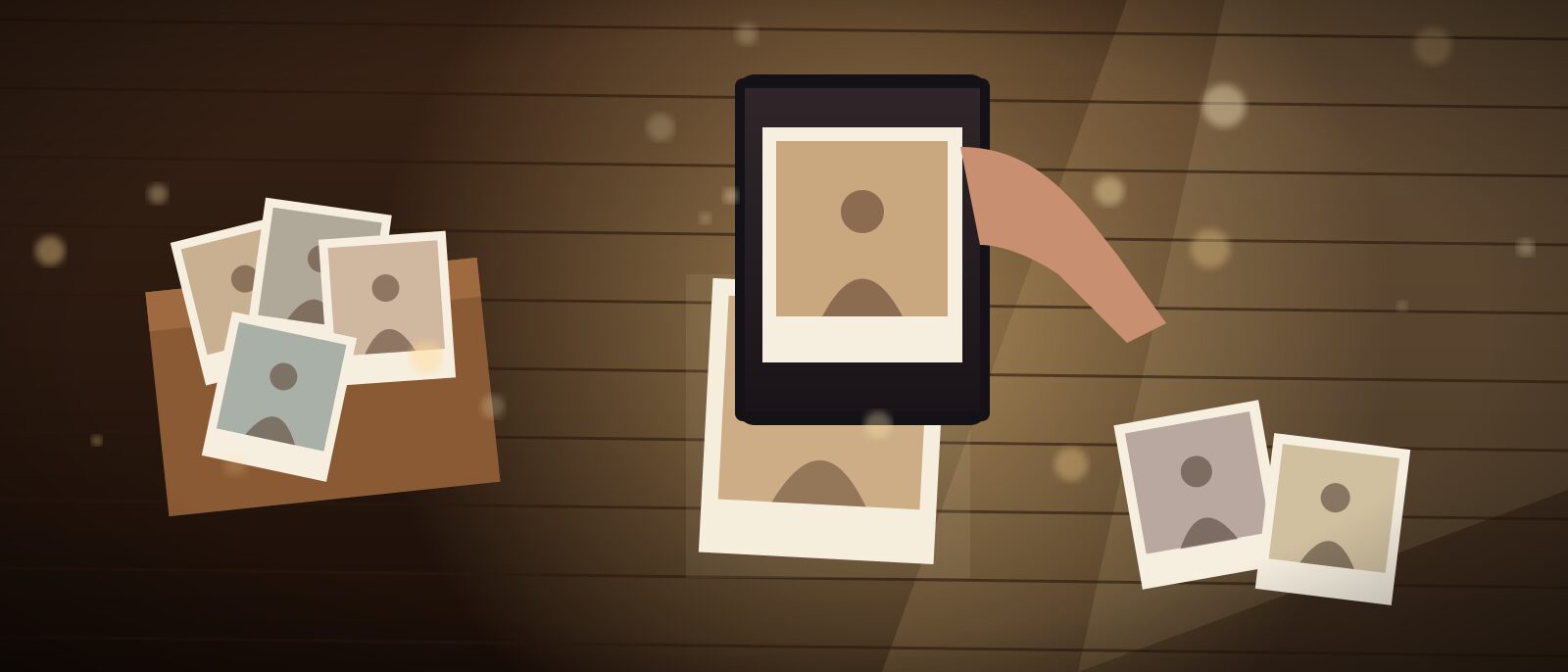
Old printed photos are often the heart of a family story: the wedding portrait, the first house, the baby pictures in faded color. The good news is that you do not need a scanner to save them. If you are wondering how to scan old photos with your phone, this guide covers the easiest apps, how to get clean results without glare, and how to organize your scans so they are ready for a slideshow or a video gift.
Can You Really Scan Old Photos With Just a Phone?
Yes. A modern phone camera captures plenty of detail for viewing on a TV, sharing with family or using in a video. A flatbed scanner can still capture more detail for large prints or archiving, but for most family projects a phone is faster and much easier. You can work through a shoebox of prints in an afternoon at the kitchen table.
Which Apps Help You Scan Photos With Your Phone?
You can simply use your camera, but a scanning app makes cropping and glare easier to handle:
| Option | Phones | What it does well |
|---|---|---|
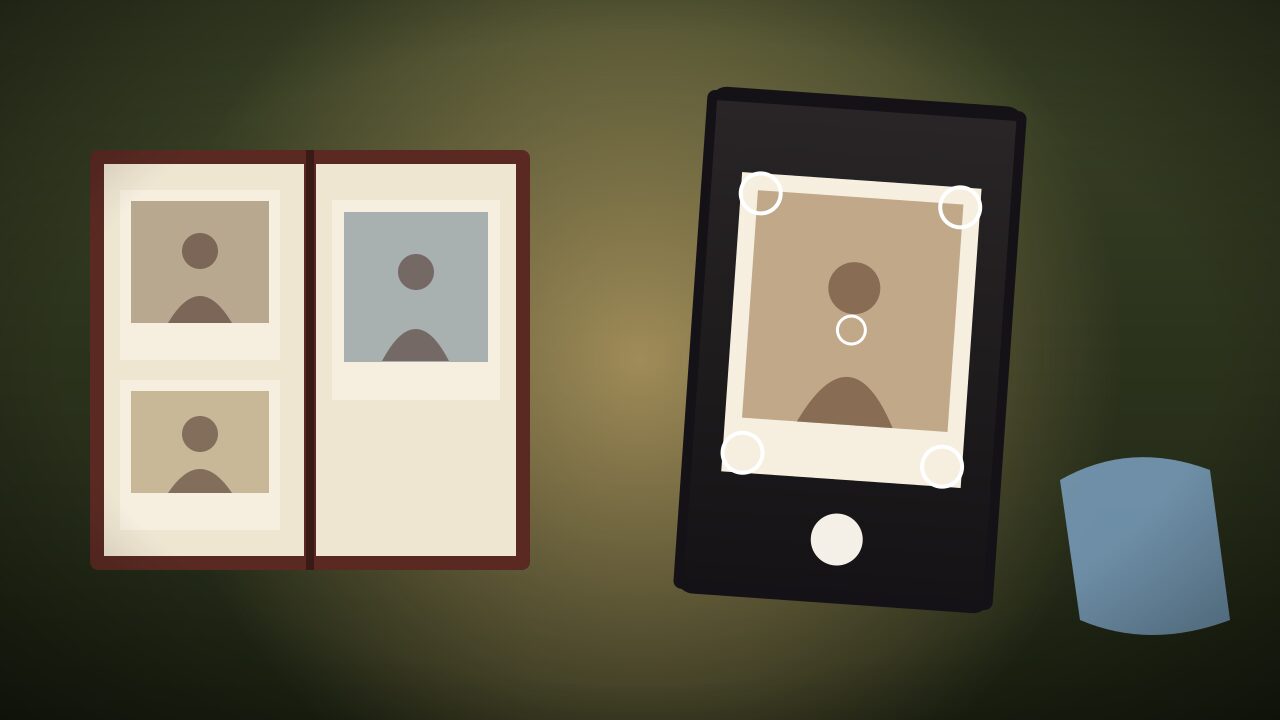
| Google PhotoScan | iPhone and Android | Free. You move the phone over four dots and it combines the shots to reduce glare, then crops and straightens the photo. |
| Notes app document scanner | iPhone | Built in. Detects the edges of a print and flattens it; save the image to your Photos. |
| Adobe Scan | iPhone and Android | Free scanning app that detects edges and lets you save several photos in one session. |
| Your phone's camera | Any | Fastest for matte prints in good light; crop afterwards in your photo app. |
How Do You Get Clear Scans Without Glare?
Most poor phone scans come down to light and angle. These steps make the biggest difference:
- Use soft daylight. Work near a window on a bright but overcast day, or out of direct sun. Avoid a single ceiling light right above the photo, which bounces straight back off glossy prints.
- Lay the photo flat on a dark, plain surface. A dark table or a sheet of black card helps the app find the edges.
- Hold the phone parallel to the print. If the phone tilts, the photo looks stretched. Hold it directly above, at the same angle as the table.
- Fill the frame. Move close enough that the photo takes up most of the screen, then let the camera focus before you capture.
- Clean gently. Wipe the phone lens, and brush dust off prints with a soft, dry microfiber cloth. Never use water or cleaners on old photos.
- Check each scan. Zoom in on faces. If they are blurry or have a white shine across them, rescan before moving on.
How Should You Handle Fragile or Album-Bound Photos?
Old prints can be brittle, curled or stuck to album pages. Treat them gently:
- Leave stuck photos in place. Lay the album flat and scan one photo at a time rather than peeling them out.
- Handle prints by the edges with clean, dry hands.
- Flatten curled prints carefully under a clean sheet of glass from a picture frame, angled slightly to keep reflections away.
- Scan the backs too if they have handwritten names or dates. Those notes can be just as precious as the picture.
How Do You Organize Scans for a Slideshow or Video?
A little organizing now saves a lot of time later, especially if the photos are going into a video:
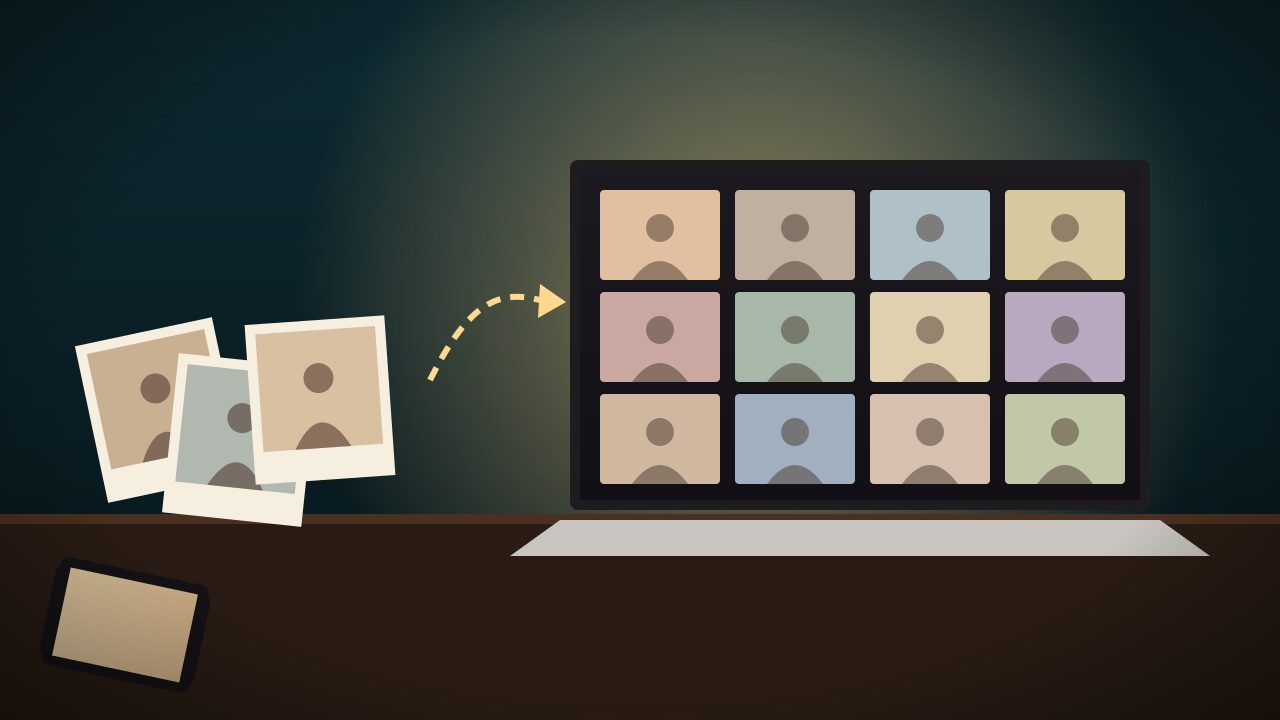
- Put them in order. Oldest to newest is the easiest way to tell a story. Add a number to the start of each file name (01, 02, 03) so the order sticks.
- Pick the strongest photos. Clear faces, real smiles and meaningful moments matter more than having every picture.
- Make a shared album. Invite siblings and relatives to add their scans; you will often find photos you have never seen.
- Back everything up to a cloud service or a second device so the scans are safe for the future.
If you are making a growing-up or before-and-after story, our then and now video guide shows how to pair old scans with recent photos. Planning a tribute? Our guide to celebration of life video ideas covers gathering photos from the whole family.
What Can You Make From Your Scanned Photos?
Once your prints are digital, they can become something your family will watch again and again. At The Forever Frame Co., you upload your photos, old scans and phone pictures together, and share a few lines about the story. We bring them to life as a cinematic film delivered as an MP4 by email. Families often choose Growing Old Together for a long marriage, Watching You Grow for a child's story, or In Loving Memory for a tribute.
Between 5 and 15 clear photos usually works best, and we confirm your delivery date before we start. Start your film here, or order through our Etsy shop.
Save the Photos Before They Fade
Printed photos fade, curl and get lost in moves. Scanning them with your phone takes an afternoon and protects them for the next generation. Start with the box that means the most, follow the light and angle tips above, and you will have a digital family archive ready to share. See what our films can do with photos just like yours.
Frequently asked questions
What is the best free app to scan old photos with a phone?Google PhotoScan is a popular free choice because it helps reduce glare and crops the photo for you. On an iPhone you can also use the Notes app's document scanner or simply the camera, and Adobe Scan is another free option.
How do I avoid glare when scanning photos with my phone?Use soft, even daylight from a window rather than a ceiling light directly overhead, hold the phone parallel to the photo, and tilt glossy prints slightly away from the light. Apps like Google PhotoScan take several shots and combine them to remove glare.
Should I take old photos out of the album to scan them?Not if they are stuck down or fragile. You can scan them in place by laying the album flat and capturing one photo at a time. Removing glued photos can tear or bend them.
Can you use phone scans of old photos in a video gift?Yes. Clear phone scans of printed photos work well. When you order a film from us you can upload them alongside newer phone pictures, ideally in order from oldest to newest.
Made to order · Delivered by email
Send us your photos. We'll make the film.
Tell us the story, upload your photos, and we turn them into a cinematic video gift made only for your people.